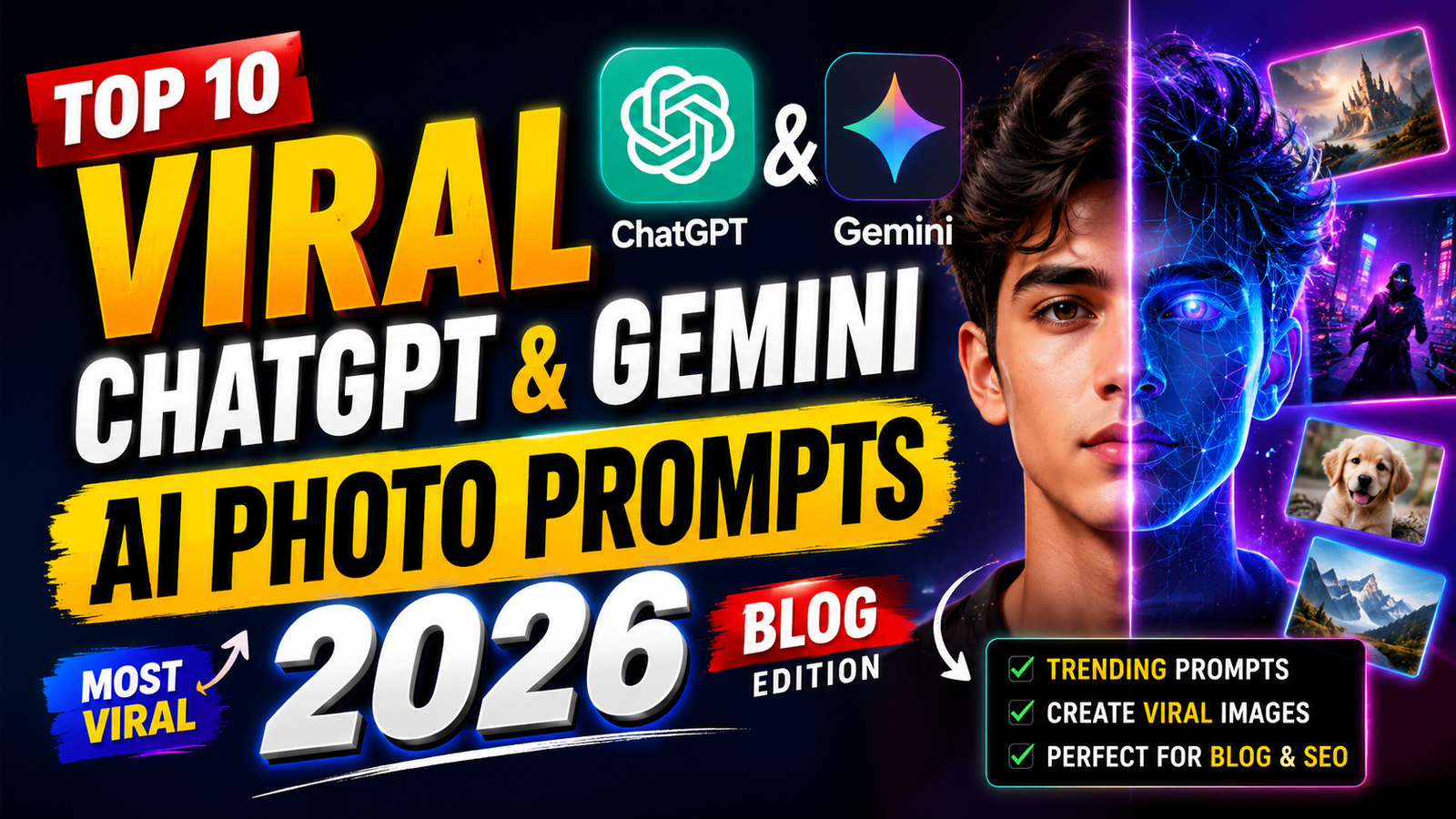

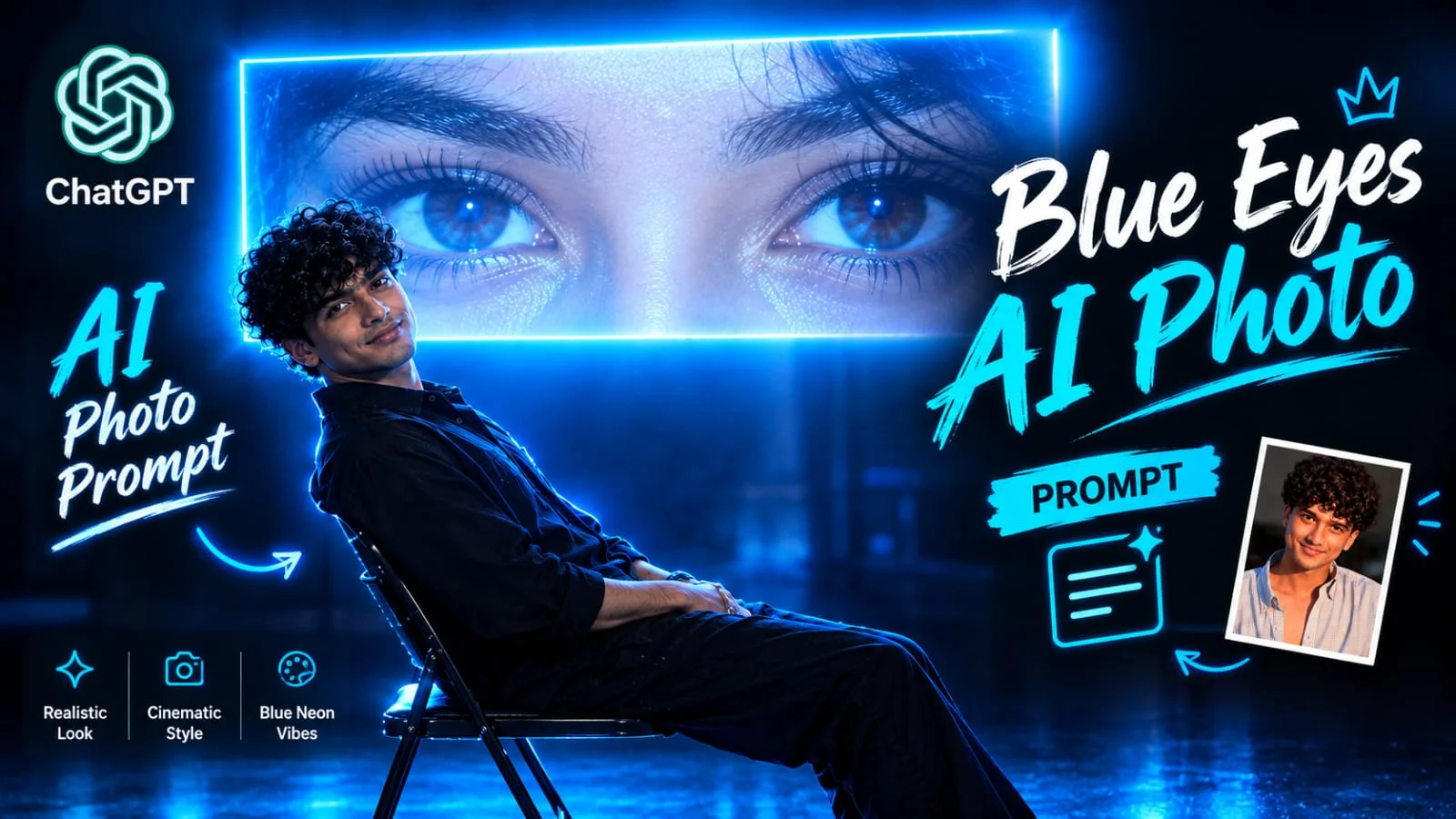
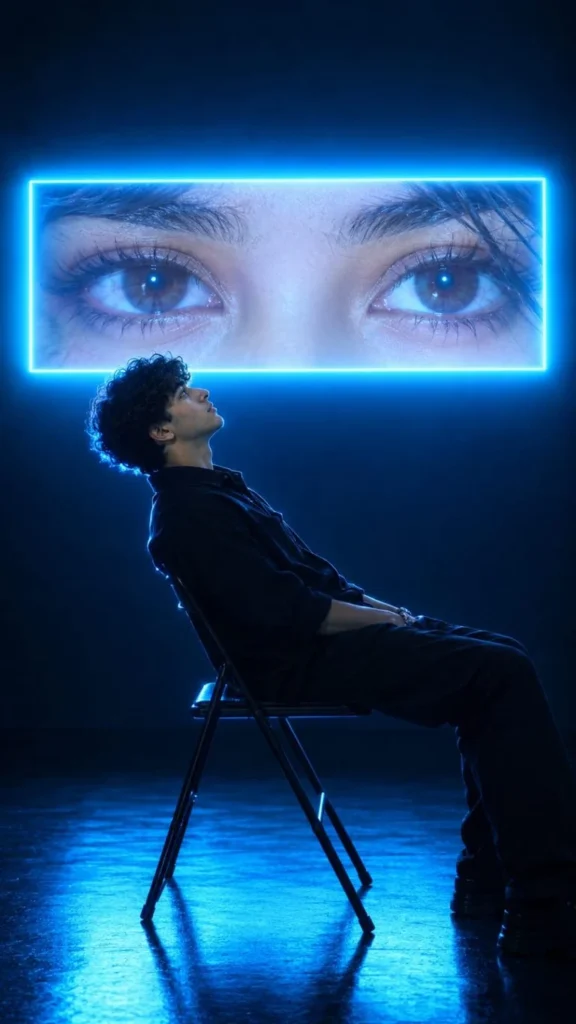
Blue Eyes AI Photo Prompt , Artificial intelligence has completely revolutionized digital art, allowing creators to generate breathtaking visuals in a matter of seconds. Among the most viral aesthetics dominating social media and digital platforms today is the cinematic blue neon style. Featuring striking blue eyes, hyper-realistic skin textures, and a moody, glowing atmosphere, this trend is capturing the attention of millions. Whether you are designing an eye-catching YouTube thumbnail, a profile picture, or a featured graphic for your blog, mastering the concepts behind a “Blue Eyes AI Photo” prompt is essential for creating high-quality, professional-grade imagery.
The Appeal of the Blue Neon Cinematic Aesthetic
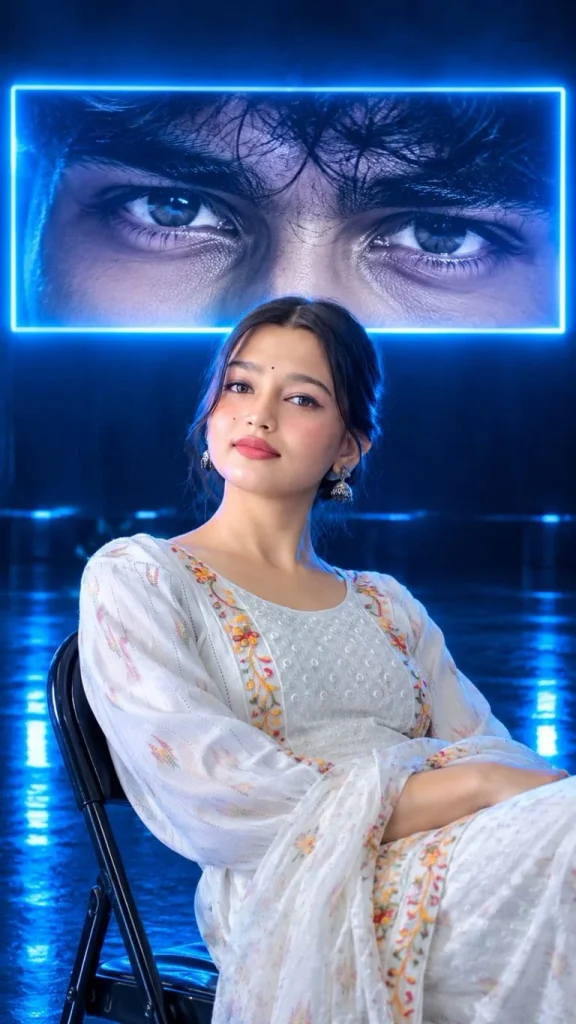
What makes this specific style so captivating? It all comes down to contrast and realism. The combination of a dark, moody background with vibrant, glowing blue neon lights creates a visual dynamic that immediately stops users from scrolling.
When this lighting is paired with hyper-realistic human features—specifically piercing blue eyes, natural skin details, and defined hair textures—the output looks less like a computer-generated graphic and more like a still frame from a high-budget sci-fi film. This aesthetic is designed for high engagement, making it a powerful tool for digital publishers and content creators looking to maximize user attention and boost click-through rates.
The Anatomy of a Perfect AI Image Request
While relying on a single copy-paste script can limit your creativity, understanding how to construct your own prompt is crucial. To generate these cinematic masterpieces using tools like ChatGPT (DALL-E 3), Midjourney, or Bing Image Creator, your text input must focus on three core pillars:
- Subject and Setting: Start by clearly defining your subject. Describe their posture, casual or formal clothing, and facial expression. Place them in a specific environment, such as a dark studio, to establish the baseline mood. Mentioning specific features, like intensely detailed blue eyes, ensures the AI makes them the focal point.
- Cinematic Lighting: Lighting is the secret ingredient for realism. Instruct the AI to use terms like “blue neon vibes,” “dramatic shadows,” and “volumetric lighting.” This ensures the glowing blue lights realistically reflect off the subject’s face, jawline, and surroundings rather than just painting the background blue.
- Camera and Quality Specifiers: To avoid cartoonish or heavily filtered results, you must use technical photography terminology. Keywords like “8k resolution,” “photorealistic,” “DSLR camera,” “85mm lens,” and “shallow depth of field” force the AI engine to prioritize extreme realism, optical accuracy, and a beautiful background blur.
Customizing the Look for Your Projects
The beauty of AI image generation is its ultimate flexibility. Once you understand the underlying structure of a cinematic prompt, you can easily adapt it to suit your specific niche or target audience.
You can change the subject’s demographics, swap out a dark shirt for streetwear, or introduce secondary neon colors like magenta or cyan to complement the dominant blue. Experimenting with different background elements—such as glowing digital screens, cyberpunk cityscapes, or abstract neon shapes—can also add unique depth to your final image, making it perfect for custom web portals or social media campaigns.
Final Thoughts
Crafting the perfect AI photo prompt is about blending creative imagination with precise technical keywords. By focusing on realistic camera settings, dramatic neon lighting, and highly detailed subject descriptions, you can generate stunning blue-eyed cinematic portraits that look professionally shot. Start experimenting with these core concepts in your favorite AI image generator today, and elevate your visual content to the next level.