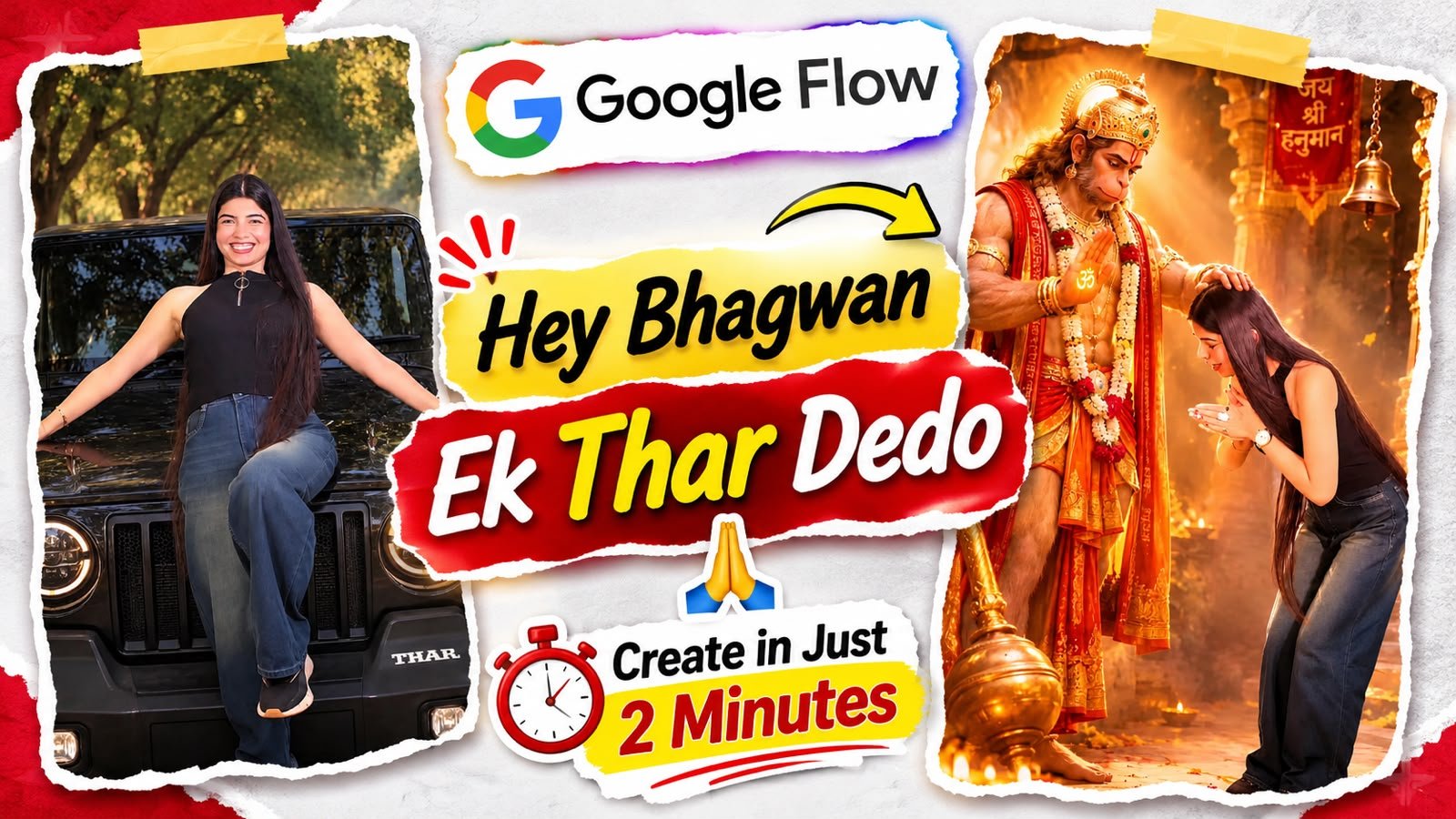
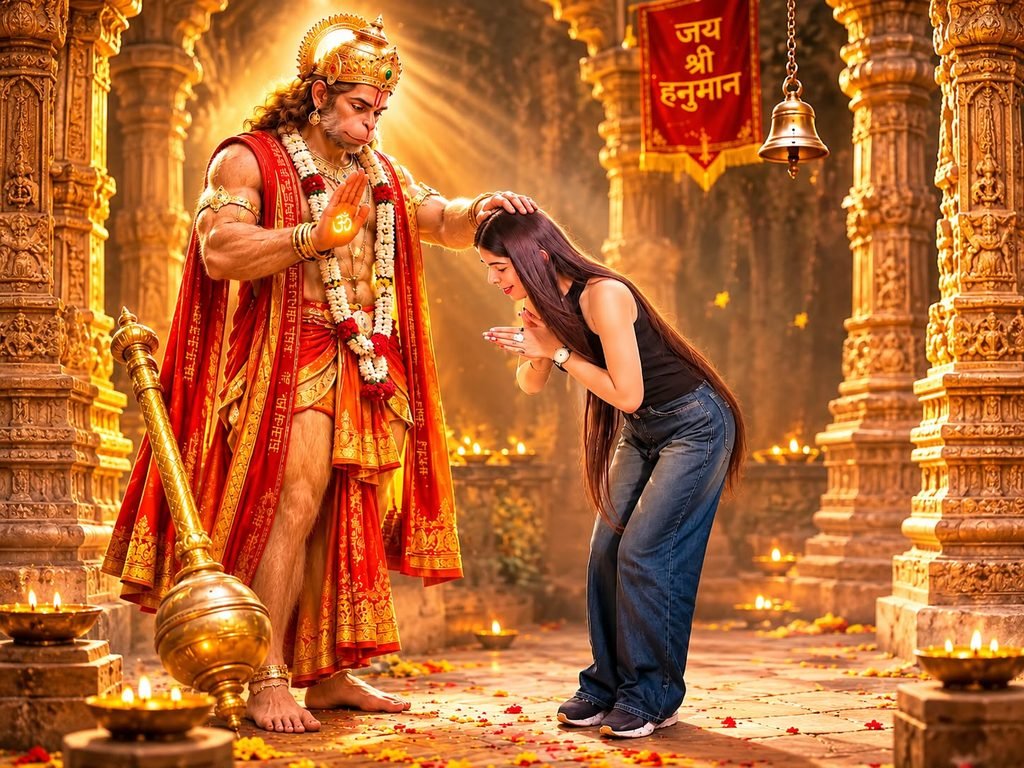
Aajkal Instagram Reels, YouTube Shorts aur Facebook par AI-generated videos kaafi trending hain. Inmein se ek popular concept hai “Hey Bhagwan, Ek Thar De Do!”. Is type ke videos mein ek interesting aur funny scene dikhaya jata hai, jahan koi person Bhagwan se Thar milne ki wish karta hai. AI video generation tools ki help se aap bhi aisi entertaining aur cinematic video bana sakte hain.
Agar aap bhi apni Instagram Reel ya YouTube Shorts ke liye ye trending video banana chahte hain, toh Google Flow AI aapke liye ek useful tool ho sakta hai.
Google Flow AI Kya Hai?
Google Flow AI ek AI-powered video creation tool hai, jiski help se aap text prompts aur visual references ke through cinematic videos generate kar sakte hain. Aapko bas apne scene ke according ek detailed prompt likhna hota hai. AI us prompt ko samajhkar video generate karta hai.
Create a 10-second vertical 9:16 video with exactly four scenes. Use @image1 as a visual reference for the same person throughout the video. Maintain consistent facial appearance, hairstyle, skin tone, clothing and natural body proportions. STYLE: Realistic smartphone-camera quality, bright natural lighting, warm vivid colors, smooth natural movements, fixed camera at chest height, straight-on framing approximately 3 metres away. Keep the person centered and visible from head to shoes whenever possible. Exactly 4 scenes with hard cuts at 2.5s, 5.0s and 7.5s. SCENE 1 — GOLDEN TEMPLE — 0 TO 2.5 SECONDS Create a beautiful golden temple interior with carved…Create a 10-second vertical 9:16 video with exactly four scenes.
Use @image1 as a visual reference for the same person throughout the video. Maintain consistent facial appearance, hairstyle, skin tone, clothing and natural body proportions.
STYLE:
Realistic smartphone-camera quality, bright natural lighting, warm vivid colors, smooth natural movements, fixed camera at chest height, straight-on framing approximately 3 metres away. Keep the person centered and visible from head to shoes whenever possible.
Exactly 4 scenes with hard cuts at 2.5s, 5.0s and 7.5s.
SCENE 1 — GOLDEN TEMPLE — 0 TO 2.5 SECONDS
Create a beautiful golden temple interior with carved golden pillars, brass lamps, red velvet curtains and a patterned red carpet.
In the lower-left foreground, place a golden plate with an illuminated diya and marigold flowers.
On the left, show a traditional devotional depiction of Lord Krishna with blue skin, golden crown with peacock feather, flower garlands, yellow dhoti and green shawl. He is peacefully reclining on a red-and-gold velvet sofa, resting his head on his left hand and smiling gently.
On the right, the person from @image1 sits respectfully on the carpet and gently holds Krishna's foot with both hands.
TIMING:
0.0–1.0s: The person looks down with a gentle smile.
1.0–1.5s: The person looks upward. Three small glowing white dots appear above the head.
1.5–2.5s: A large dream bubble appears in the upper part of the frame with a soft glowing border. Inside it, show a glossy black Mahindra Thar parked outside a beautiful house, decorated with red roses on the roof and bonnet.
The person looks happily at the dream bubble.
SCENE 2 — DECORATED STREET — 2.5 TO 5.0 SECONDS
Show a beautiful Indian street with small shops, a cream-coloured building, and a large tree decorated with warm golden fairy lights. Red rose petals cover the pavement.
Behind the person, show a glossy black three-door Mahindra Thar decorated like a wedding car with red, white and pink roses on the bonnet, a floral arch on the roof and two pink bows on the front bumper.
TIMING:
2.5–3.0s: The person stands comfortably with one leg slightly crossed and smiles.
3.0–3.25s: A brief soft glowing white light effect appears around the vehicle.
3.25–3.75s: Gentle white smoke appears around the vehicle. The person reacts with a surprised expression.
3.75–4.0s: As the smoke gently fades, the black Thar transforms into a shiny white Mercedes-Benz luxury sedan in the exact same position.
4.0–5.0s: The Mercedes has a large red-and-white rose bouquet on the bonnet and a pink ribbon with a bow on the door. The person looks surprised and happy, then gently clasps both hands near the waist.
Keep the street, lighting and background unchanged throughout this scene.
SCENE 3 — MODERN GYM — 5.0 TO 7.5 SECONDS
Show a modern gym with black rubber flooring, white ceiling lights, dumbbell racks on the left and a black poster on the right reading "NO PAIN NO GAIN" with a yellow dumbbell symbol.
TIMING:
5.0–5.75s: The person holds a lightweight silver exercise bar comfortably overhead and smiles.
5.75–6.25s: Slowly lowers the bar to waist level.
6.25–6.5s: Carefully places the bar on the floor.
6.5–6.75s: Raises both arms into a playful double-biceps pose.
6.75–7.5s: A funny magical effect makes the shirt sleeves gently puff up around the upper arms like balloons. Keep the shirt fully covering the arms and wrists. The person's natural appearance and body proportions remain unchanged.
The person smiles proudly.
SCENE 4 — GOLDEN MONEY PALACE — 7.5 TO 10.0 SECONDS
Show a grand golden palace hall with a large crystal chandelier, cream-and-gold walls and beautiful balconies.
Cover the floor with decorative stacks of paper currency, reaching approximately knee height near the person and forming larger piles in the background.
Loose paper notes gently fall continuously from above.
TIMING:
7.5–8.25s: The person opens both arms with palms facing upward and looks happily at the falling notes.
8.25–9.0s: The person laughs and playfully throws a few notes into the air.
9.0–10.0s: The person smiles toward the camera while paper notes continue falling.
AUDIO:
Soft cheerful instrumental music.
Gentle sound effects for the dream bubble, vehicle transformation, barbell placement and falling paper notes.
No dialogue, no voice-over and no lip-sync.
FINAL INSTRUCTIONS:
Exactly four scenes.
Maintain the same person throughout.
Keep the person's natural facial appearance and identity.
No extra people.
Keep Lord Krishna only in Scene 1.
Keep the black Thar and white Mercedes visually distinct.
Use natural, gentle and realistic movements.
Use only the described visual effects.
No extra scenes, captions, watermarks or unnecessary objects.
No close-up portrait at the beginning.
Keep the opening frame on the golden temple scene.
Ab apne scene ke according detailed prompt likhein. Example ke liye:
AI Video Prompt:
“Create a cinematic and funny Indian village scene. A young Indian boy is standing on a village road with folded hands, looking towards the sky and saying, ‘Hey Bhagwan, ek Thar de do!’ Suddenly, a stylish black Mahindra Thar appears in the background. The boy becomes extremely happy and reacts with excitement. Realistic Indian village environment, natural lighting, cinematic camera movement, expressive facial emotions, ultra-realistic video, vertical 9:16 format.”
Step 4: Video Generate Karein
Prompt enter karne ke baad Generate button par click karein. AI aapke prompt ke according video create karega. Agar result perfect nahi aata hai, toh prompt mein changes karke dobara generate kar sakte hain.
Step 5: Editing Aur Music Add Karein
Generated clips ko CapCut, VN ya kisi other video editor mein arrange karein. Background music, sound effects, subtitles aur smooth transitions add karein.
Viral Video Banane Ke Liye Important Tips
Video ka format 9:16 vertical rakhein.
Starting ke 2-3 seconds interesting banayein.
Funny expressions aur dialogues use karein.
Video mein unnecessary scenes avoid karein.
Trending audio aur relevant hashtags use karein.
Export karne se pehle video quality check karein.
Conclusion
“Hey Bhagwan Ek Thar De Do” ek entertaining AI video concept hai, jise Google Flow AI ki help se creative style mein banaya ja sakta hai. Aap apne ideas aur unique prompts use karke is concept ke multiple versions create kar sakte hain. Bas ek interesting story, achha prompt aur thodi editing ki help se aap apni next Instagram Reel ya YouTube Short ko engaging bana sakte hain.